Smarters Pro vs Smarters Lite: What Are the Differences?
IPTV Smarters Pro vs Lite comparison. EPG, features, platform support, and performance differences explained.
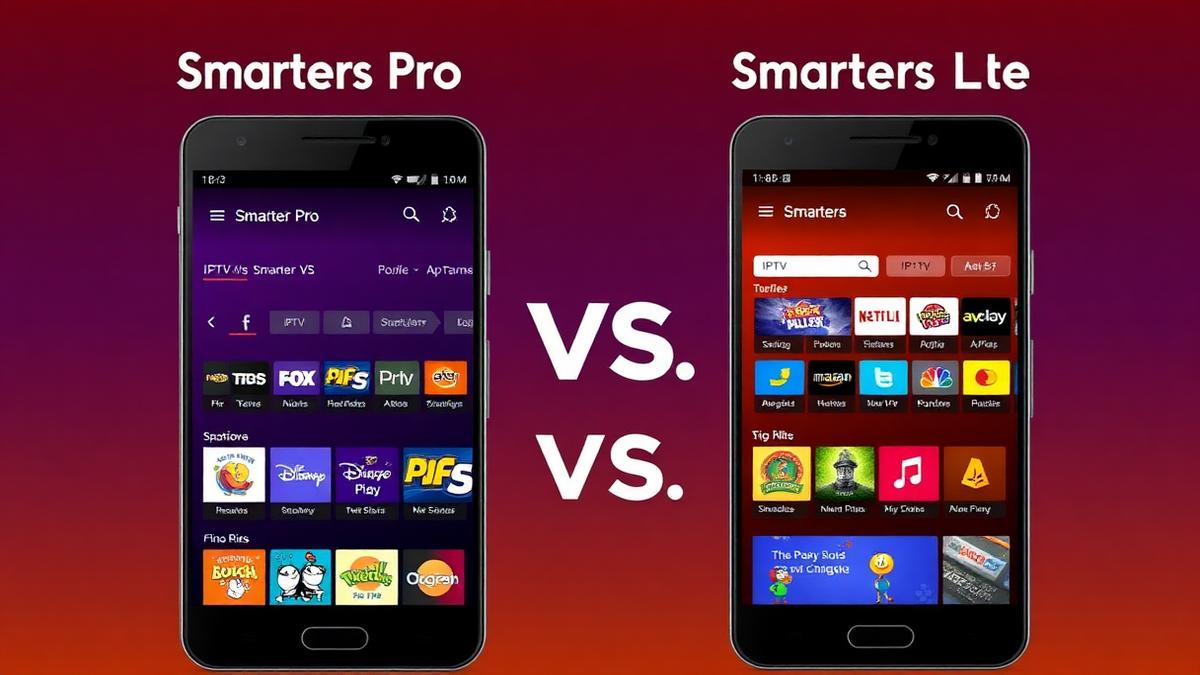
IPTV Smarters Pro and IPTV Smarters Lite are two versions of the same app — but they're not identical. Both come from the same developer. Both play IPTV streams. The differences are in features, platform support, and pricing. This guide breaks down exactly what you get with each version.
💡 Key Takeaways
- Smarters Pro has more features: EPG, multi-playlist, DVR, parental controls.
- Smarters Lite is a stripped-down free version with basic playback.
- Both support M3U and Xtream Codes formats.
- Smarters Pro is available on more platforms including iOS.
- Lite is best for testing; Pro is better for daily use.
📌 Disclaimer
Quick Overview
IPTV Smarters is one of the most popular IPTV player apps worldwide. The developer offers two versions: Smarters Pro (full-featured) and Smarters Lite (basic). Both share the same core playback engine but differ in features and polish.
| Feature | Smarters Pro | Smarters Lite |
|---|---|---|
Price | Free (with ads) | Free |
EPG Support | Full grid | Basic / None |
Multi-Playlist | ||
Parental Controls | ||
Catch-Up TV | ||
Chromecast | ||
Screen Recording | ||
Best For | Daily viewing | Quick testing |
Want to see how Smarters Pro compares to other players? Read our TiviMate vs IPTV Smarters comparison.
Interface Differences
Smarters Pro
Smarters Pro has a clean, organized interface. The home screen shows separate sections for Live TV, Movies, Series, and TV Catch-Up. Channel categories are well-organized with thumbnail icons.
- Professional home screen layout.
- Category-based channel browsing.
- Search functionality across all content.
- Multiple viewing modes (grid, list).
Smarters Lite
Smarters Lite uses a simpler interface. It shows a basic channel list without thumbnails. Navigation is functional but bare-bones. There's no home screen dashboard — you go straight to the channel list.
- Simple list-based channel view.
- No thumbnail images.
- Basic category sorting.
- Faster initial loading due to fewer graphics.
Winner: Smarters Pro by a wide margin. The interface is more polished and easier to navigate.
Features Comparison
The feature gap between Pro and Lite is significant. Here's the full breakdown:
| Feature | Smarters Pro | Smarters Lite |
|---|---|---|
M3U Playlist | ||
Xtream Codes | ||
Multi-Playlist | ||
EPG TV Guide | ||
Favorites | ||
Parental Lock | ||
Catch-Up TV | ||
Chromecast | ||
Screen Recording | ||
External Player | ||
Subtitle Support | Basic |
💡 Key Difference
EPG & TV Guide
Smarters Pro includes a full EPG grid. It shows current programs, upcoming shows, and past content (for catch-up). You can click any program to see details, set reminders, or watch catch-up content.
Smarters Lite has no EPG. Channels show as a plain list with names and category labels. There's no way to see what's airing right now without tuning in.
If EPG is important to you, Smarters Pro is the only option. For even better EPG, consider TiviMate or Sparkle TV which have superior TV guides.
Performance & Stability
Both apps use the same core video engine. Playback quality is identical when streaming the same content. The differences are in app weight and startup speed:
- Smarters Pro: Larger app size (~40 MB). Takes 2-3 seconds to load. Smooth channel switching.
- Smarters Lite: Smaller app size (~15 MB). Loads in 1-2 seconds. Same switching speed.
On modern devices, both run well. On older devices with limited RAM (1-2 GB), Smarters Lite may feel snappier because it loads fewer graphics.
Both support H.264 and H.265/HEVC codecs. For setup on specific devices, see our guides for Firestick, Android TV, and Chromecast.
Device Compatibility
Smarters Pro supports more platforms than the Lite version:
| Platform | Smarters Pro | Smarters Lite |
|---|---|---|
Android Phone/Tablet | ||
Android TV | ||
Amazon Firestick | ||
iOS (iPhone/iPad) | ||
Windows PC | ||
Mac | ||
Samsung/LG Smart TV |
Smarters Pro's cross-platform availability is a major advantage. If you use multiple devices, Pro lets you keep the same player everywhere. For Samsung or LG Smart TVs, neither version is available natively.
Pricing
Both versions are free to download. The main cost difference is indirect:
- Smarters Pro: Free with ads. No paid tier to remove ads. All features included.
- Smarters Lite: Free with no ads. But also no features.
Neither app charges a subscription. The trade-off is clear: Pro gives you everything with occasional ads. Lite gives you nothing extra but stays lean and ad-free.
Which Should You Choose?
Choose Smarters Pro If...
- You want EPG and a full TV guide
- You use multiple IPTV providers
- You need Chromecast support
- You want catch-up TV and recording
- You use iOS, Windows, or Mac
Choose Smarters Lite If...
- You just want to quickly test a provider
- Your device has very limited storage
- You want a minimal, ad-free player
- You only watch a few channels occasionally
Our recommendation: Use Smarters Pro for daily viewing. It's free and has every feature you need. Use Smarters Lite only for quick testing when you want to verify a provider's credentials work before committing to a full setup.
For the best overall IPTV player experience, consider our ranked list of free IPTV players. TiviMate and OTT Navigator often outperform both Smarters versions.
Frequently Asked Questions
🔥 Find the Best Provider for IPTV Smarters
All top-rated IPTV services support both Smarters Pro and Lite. Compare them here.
Browse Provider ReviewsFind the Right IPTV Provider
Our expert team has reviewed and ranked the top 20 IPTV services for 2026. Compare features, pricing, and performance to make an informed decision.
Independent reviews • Updated for 2026
Written by
IPTV Reviews Team
Our team of streaming experts is dedicated to helping you find the best IPTV solutions. With years of experience in the industry, we provide in-depth guides, reviews, and tutorials.
You Might Also Like
TiviMate vs IPTV Smarters Pro: Which Is Better?
Side-by-side comparison of TiviMate and IPTV Smarters Pro. EPG, DVR, device support, and pricing compared.
Best Free IPTV Players 2026: Top 10 Ranked
Top 10 free IPTV players ranked. VLC, TiviMate, Kodi, Smarters Pro, and OTT Navigator compared across all devices.
Best IPTV Service Providers (2026) — Top 20 Tested
Discover the top 20 IPTV providers in 2026. Compare features, pricing, and channels. Find the perfect streaming service for your needs. Updated reviews.