EPG Guide: What Is Electronic Program Guide?
Learn what EPG is, how it works in IPTV, XMLTV format explained, setup instructions, and troubleshooting tips.
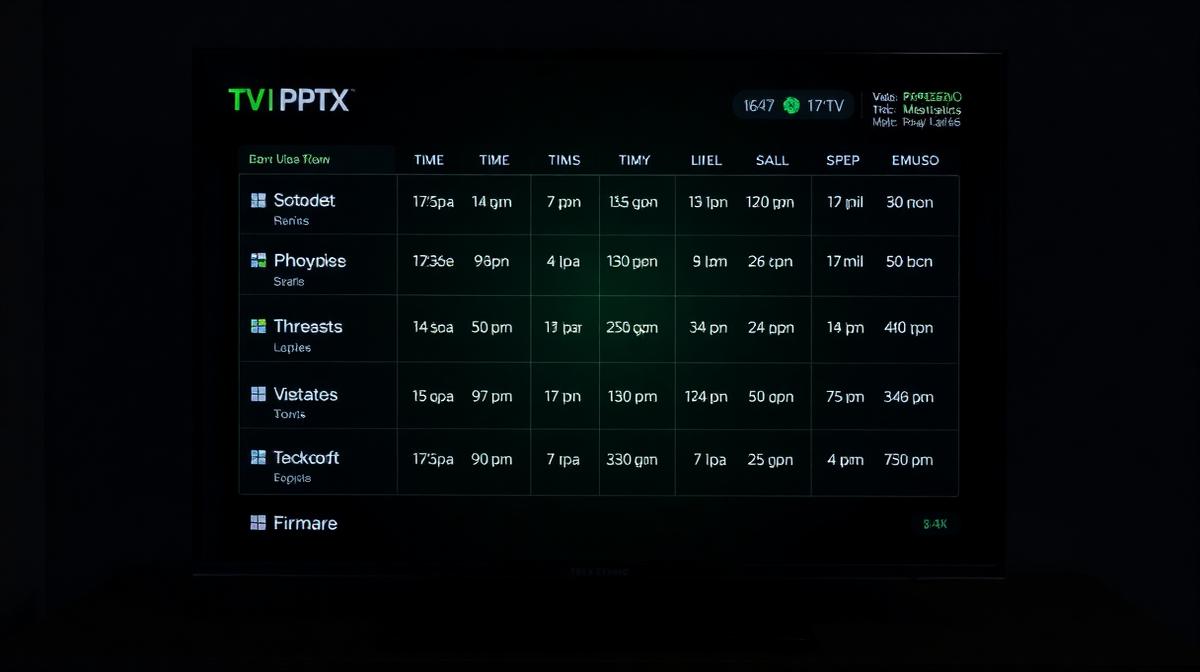
EPG (Electronic Program Guide) is the on-screen TV guide that shows what's playing now and next on each channel. It displays channel schedules in a grid format, similar to the program guide on cable TV. In IPTV, EPG is loaded from an external data source.
💡 Key Takeaways
- EPG shows current and upcoming TV programs in a visual grid.
- IPTV uses XMLTV format — an XML-based file with schedule data.
- Xtream Codes connections load EPG automatically.
- M3U setups need a separate EPG URL configured manually.
Understanding EPG helps you get the most out of your IPTV service. A properly configured program guide transforms the viewing experience from random channel surfing to organized, scheduled viewing.
Disclaimer
What Is EPG?
EPG stands for Electronic Program Guide. It is the digital equivalent of a printed TV schedule. On your screen, it appears as a grid showing channels on the left and time slots across the top.
Each cell in the grid shows the program name, start time, end time, and often a brief description. You can scroll forward to see what's coming later today, tomorrow, or even a week ahead.
What EPG Shows You
- Program name — the title of the show or movie.
- Start and end times — when the program airs.
- Description — a short summary of the episode or film.
- Genre/category — sports, news, entertainment, kids, etc.
- Episode info — season and episode numbers (when available).
- Now/Next indicators — what's playing now and what's coming up.
Most leading IPTV providers include EPG data with their subscriptions at no extra cost.
How EPG Works in IPTV
In IPTV, EPG data comes from an external source — not from the broadcast signal. Traditional cable TV embeds guide data in the broadcast. IPTV downloads it separately from a URL.
Here is the process:
- Provider hosts EPG data — schedule information is compiled into an XML file.
- Player downloads the file — your IPTV app fetches the EPG URL on a schedule (usually every 12-24 hours).
- Channel matching — the player matches EPG entries to channels using
tvg-ididentifiers. - Grid display — the matched data is displayed in the on-screen program guide.
EPG and Connection Methods
| Feature | Xtream Codes | M3U + EPG URL |
|---|---|---|
EPG Loading | Automatic | Manual URL setup |
Channel Matching | Pre-configured | Requires tvg-id tags |
Update Frequency | Auto (12-24h) | Configurable |
Ease of Setup | Very easy | Moderate |
Customization | Limited | Flexible |
If you use Xtream Codes API, EPG is handled for you. With M3U playlists, you need to add the EPG URL separately.
EPG Formats: XMLTV & JTV
XMLTV is the standard EPG format used by most IPTV players. It is an XML-based file containing structured program data. JTV is an older, less common format.
XMLTV Format
XMLTV files use a structured XML format. Here is a simplified example:
<tv>
  <channel id="bbc1.uk">
    <display-name>BBC One</display-name>
    <icon src="https://example.com/bbc1.png" />
  </channel>
  <programme start="20260225080000"
             stop="20260225090000"
             channel="bbc1.uk">
    <title>BBC Breakfast</title>
    <desc>Morning news program.</desc>
    <category>News</category>
  </programme>
</tv>
Key XMLTV Elements
- <channel> — defines a channel with its ID, name, and logo.
- <programme> — defines a single show with start/stop times.
- channel attribute — links the program to a channel via matching IDs.
- <category> — genre classification.
Matching Tip
channel attribute in <programme> must exactly match the id in <channel> and the tvg-id in your M3U file. Mismatches cause blank EPG entries.✅ EPG Benefits
- See what is playing now and next at a glance.
- Browse schedules days in advance.
- Find shows by genre or time slot.
- Enables catch-up and recording features.
- Improves the overall viewing experience.
⚠️ EPG Limitations
- Not all channels have EPG data available.
- Schedule accuracy depends on the data source.
- Large EPG files can slow down older devices.
How to Set Up EPG on Your Device
EPG setup depends on your connection method and player app. Here are instructions for the most common scenarios.
With Xtream Codes API
No extra steps needed. EPG loads automatically when you connect with your Xtream Codes credentials. If the guide is empty, go to your player's EPG settings and tap Refresh EPG.
With M3U Playlist
- Get the EPG URL from your IPTV provider (usually ends in
.xmlor.xml.gz). - Open your player's Settings → EPG section.
- Paste the EPG URL in the EPG Source field.
- Set the Update Interval to 12 or 24 hours.
- Tap Update/Refresh and wait for the data to download.
By Device
- Firestick — TiviMate and Smarters have EPG built into playlist settings. See our Firestick setup guide.
- Android TV — most apps on Android TV support EPG natively.
- Samsung / LG TVs — Smart IPTV and Smarters have EPG options. Guides for Samsung and LG.
- Formuler boxes — MYTVOnline 2 handles EPG automatically. See our Formuler Z guide.
Compare IPTV Providers with EPG
Find providers that include full EPG support with their subscriptions
View Provider RankingsBest EPG Sources
The best EPG source is the one provided by your IPTV provider. It is pre-matched to their channel list and updates regularly. However, there are third-party options if you need alternatives.
Provider EPG (Recommended)
- Pre-matched to your channel list — no manual configuration.
- Updated automatically every 12-24 hours.
- Included with most top IPTV services.
Third-Party EPG Sources
- WebGrab+Plus — open-source EPG grabber for creating custom XMLTV files.
- TV Guide APIs — commercial EPG data services for specific regions.
- Community XMLTV files — free, user-maintained EPG files for popular channels.
EPG Accuracy
EPG Troubleshooting Guide
EPG issues are usually caused by mismatched IDs or outdated data. Here are quick fixes for the most common problems.
❌ EPG Shows "No Data" for All Channels
- Confirm you have entered the correct EPG URL.
- Force a manual EPG refresh in your player settings.
- Wait 5-10 minutes for large EPG files to download completely.
- Check your internet connection — EPG files can be 10-50 MB.
❌ EPG Works for Some Channels But Not Others
- The
tvg-idin your M3U file doesn't match the EPG source for those channels. - Contact your provider to verify the correct EPG IDs.
- Some international channels may not have EPG data available.
❌ EPG Shows Wrong Times
- Check your device's timezone settings.
- Some players have a Time Offset setting in EPG options — adjust it to match your timezone.
❌ EPG Makes the App Slow
- Reduce the EPG data range to 2-3 days instead of 7.
- Clear old EPG cache in your player settings.
- On older devices, use a lighter player like XCIPTV which has lower memory usage.
Frequently Asked Questions
Find the Right IPTV Provider
Our expert team has reviewed and ranked the top 20 IPTV services for 2026. Compare features, pricing, and performance to make an informed decision.
Independent reviews • Updated for 2026
Written by
IPTV Reviews Team
Our team of streaming experts is dedicated to helping you find the best IPTV solutions. With years of experience in the industry, we provide in-depth guides, reviews, and tutorials.
You Might Also Like
What Is an M3U Playlist? Complete Explanation
Learn what M3U playlists are, how they work, M3U vs M3U8 differences, and how to use them with any IPTV player.
Xtream Codes API Explained for Beginners
Learn what Xtream Codes API is, how it works, how it compares to M3U, and how to set it up on any IPTV player.
Best IPTV Service Providers (2026) — Top 20 Tested
Discover the top 20 IPTV providers in 2026. Compare features, pricing, and channels. Find the perfect streaming service for your needs. Updated reviews.